








Mobile Access to Wakuna Casino
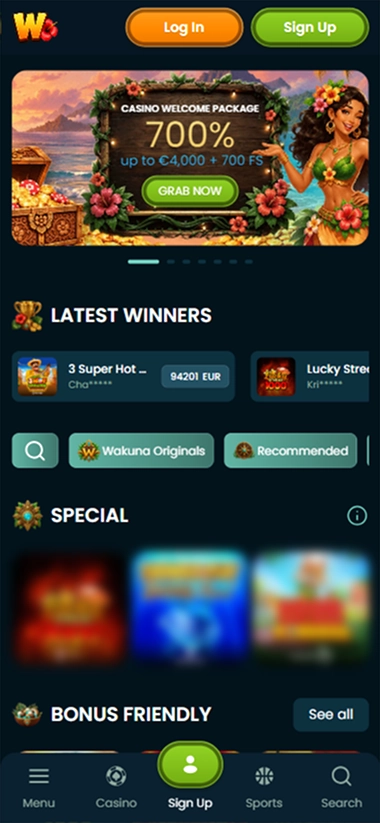
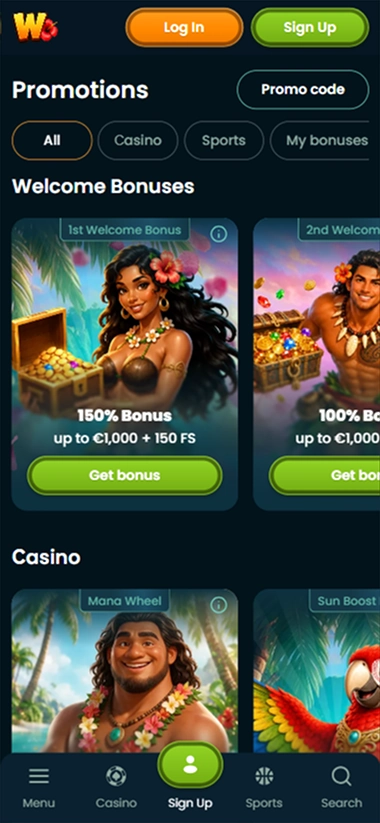
Wakuna Casino is accessible through a responsive website. There are no separate iOS or Android apps. A modern browser on a smartphone or tablet is all you need to access the catalogue, add funds and manage your profile.
You can bookmark the page or add a shortcut to your home screen. This makes access quicker but does not turn the site into a native app: the shortcut still opens a browser page.
How to Open the Site on a Smartphone
- Launch Safari, Chrome or another up-to-date browser.
- Visit the website and verify the address in the browser bar.
- Sign in to your account or register.
- Open the menu to access the catalogue, cashier or settings.
- If you wish, bookmark the website or add a home-screen shortcut.
Adding a Shortcut
On iPhone and iPad: open the page in Safari, tap Share and choose Add to Home Screen.
On Android: open the browser menu and select Add to Home Screen. The wording may vary by browser version.
A shortcut does not install software or require an APK download. Avoid files from unofficial sources, as they may contain malware or collect your data.
Entertainment on a Mobile Screen
The main catalogue categories are available in mobile browsers, including slots, table formats, Live Casino and fast-paced titles. The interface adapts to screen size and touch controls. Demo mode is available for most slots when the option appears on the title card.
Before starting, check your connection and device battery. If a title takes a long time to load, refresh the page or try another browser. Avoid opening too many windows at once, as this can slow down your phone.
Using the Cashier on Your Phone
The mobile site lets you view available funding and withdrawal methods and check transaction history. The actual selection depends on your region and account settings.
Before making a payment:
- check the amount and currency;
- make sure the correct card or payment method is selected;
- for cryptocurrency, verify the asset and network;
- save the transaction confirmation until the funds are credited.
If an error occurs, do not immediately repeat the transfer. First check its status in your transaction history and contact support if necessary.
Your Account and Documents
On a mobile device, you can open account settings and upload KYC documents if the operator requests verification. Before submitting, check the quality of your photos and avoid including unnecessary personal information in the frame. Use only the website’s secure interface.
If your phone is lost or accessed by someone else, change your password and end active sessions. Do not store payment details on a shared device.
Support on Smartphones
Live Chat and email are available in the mobile version. You can contact chat support about sign-in issues, payments, promotions or document checks. To help resolve the issue faster, describe the problem, specify the transaction time and attach confirmation without disclosing your password, CVV or full card details.
Mobile Session Security
- Use a screen lock and a strong device passcode.
- Do not sign in over open public networks without a secure connection.
- Verify the website address before entering your username and password.
- Sign out on devices that are not yours.
- Do not install unknown APK files or browser extensions.
Troubleshooting Common Issues
| Issue | What to try |
|---|---|
| Page will not load | Check your internet connection and refresh the page |
| Title freezes | Close unnecessary tabs or restart the browser |
| Cashier will not open | Sign out and back in; check method availability |
| Payment is not shown | Do not repeat the transfer; check history and contact support |
| Cannot submit documents | Check file format and size, then retry through your profile |
Conclusion
The mobile version of Wakuna Casino provides browser access to your profile, entertainment catalogue and cashier without an app download. A home-screen shortcut offers quick access to the website. For safer use, verify the web address, use your own device and check payment details before transferring funds.